UR5e Multi-View Trajectory Planning for 3D Reconstruction in Isaac Sim
Published:
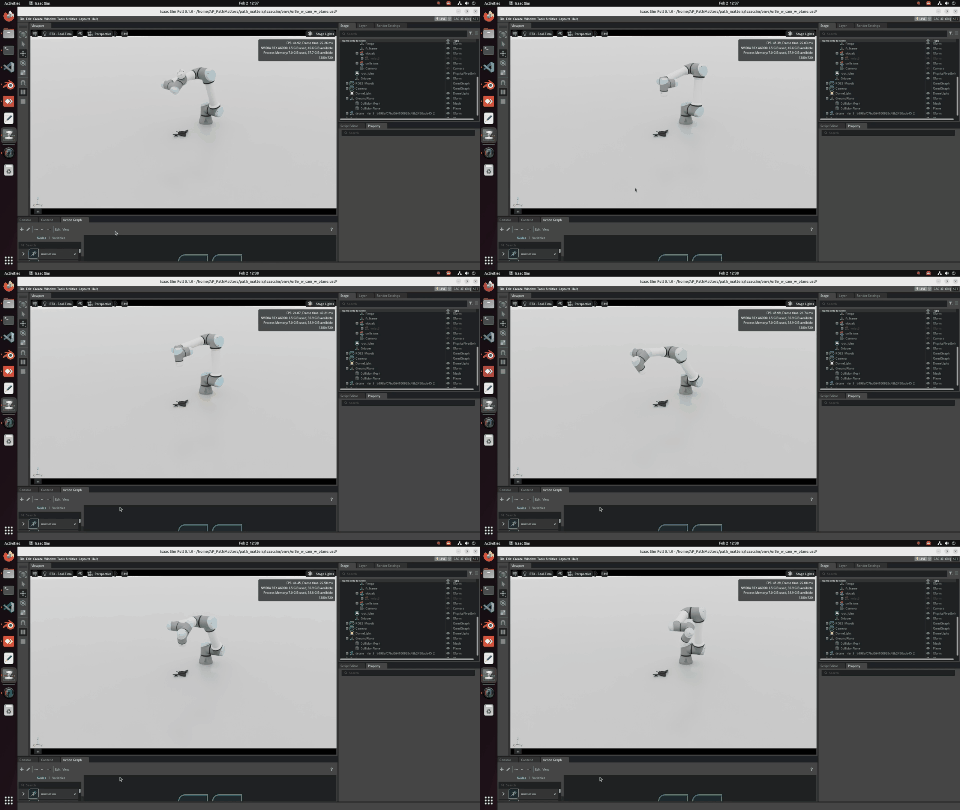
As part of the Path Matters project at TU Berlin, this post documents the first complete pipeline run: a UR5e robot arm executes a planned multi-view camera trajectory in Isaac Sim, captures images from 7 viewpoints, and saves them for 3D reconstruction. The system runs entirely in simulation using ROS2, MoveIt2 and Isaac Sim.
Overview
The core question of our Path Matters project is:
How do different viewpoint sequences and trajectory strategies affect 3D reconstruction quality, completeness and efficiency?
This post documents the first building block — getting the UR5e to autonomously move to planned viewpoints and capture images. Everything runs in simulation before transferring to the real robot.
System Architecture
Three components run simultaneously, each in its own terminal:
| Component | Tool | Purpose |
|---|---|---|
| Simulation | NVIDIA Isaac Sim | Physics + robot + camera |
| Motion Planning | ROS2 Humble + MoveIt2 | IK solving + collision checking |
| Trajectory Control | Python (ROS2 node) | Waypoints + image capture |
| Robot | UR5e collaborative arm | 6-DOF manipulation |
| Camera | Simulated Basler RGB-D | Image acquisition |
| Scene | 17_12_robot_plane_graph.usd | Environment + object |
How to Run — Step by Step
Terminal 1 — Launch Isaac Sim
Open a terminal and run:
conda deactivate
cd isaacsim/_build/linux-x86_64/release
./isaac-sim.sh
Open scene: 17_12_robot_plane_graph.usd and wait for full load.
Terminal 2 — Launch ROS2 + MoveIt2
Open a second terminal and run:
conda deactivate
ros2 launch ur_moveit_config ur_moveit.launch.py ur_type:=ur5e
Wait until you see MoveIt running in the output.
Terminal 3 — Run Trajectory Script
Open a third terminal and run:
conda deactivate
python3 /home/AP_PathMatters/path_matters/trajectory/scripts/26_01_ur_move.py
The robot begins moving through all 7 viewpoints automatically.
The Trajectory Script — How It Works
The script is a ROS2 node called URPhotoCapture that does four things:
1. Connects to MoveIt2 IK service to convert Cartesian (x,y,z) positions into joint angles for the UR5e.
2. Subscribes to the camera topic /camera/image_raw to receive live images from the simulated Basler camera in Isaac Sim.
3. Uses smooth cubic interpolation between waypoints — cubic easing prevents jerky motion which is important for blur-free image capture.
4. Captures and saves images at each position as .ppm files with timestamp and position name.
Viewpoint Design
The 7 viewpoints are arranged around the target object located at approximately (0.3, 0.0, 0.2) in the world frame:
| # | Name | X | Y | Z | Purpose |
|---|---|---|---|---|---|
| 1 | Top View | 0.30 | 0.00 | 0.60 | Top-down coverage |
| 2 | Front | 0.15 | 0.00 | 0.30 | Front face |
| 3 | Right | 0.30 | 0.20 | 0.30 | Right side |
| 4 | Back | 0.50 | 0.00 | 0.30 | Back face |
| 5 | Left | 0.30 | -0.20 | 0.30 | Left side |
| 6 | Front-Angled | 0.20 | 0.00 | 0.45 | 45 degree front angle |
| 7 | Right-Angled | 0.30 | 0.15 | 0.45 | 45 degree right angle |
All positions use camera pointing downward toward the object.
Inverse Kinematics — Key Design Decision
A critical insight from debugging: the IK solver requires the world frame, not base_link or other frames. This was discovered through systematic diagnostic testing — using any other frame caused IK failures across all positions.
IK parameters used:
- Group name:
ur_manipulator - IK link:
tool0 - Timeout: 5 seconds
- Collision avoidance: disabled for testing
Results
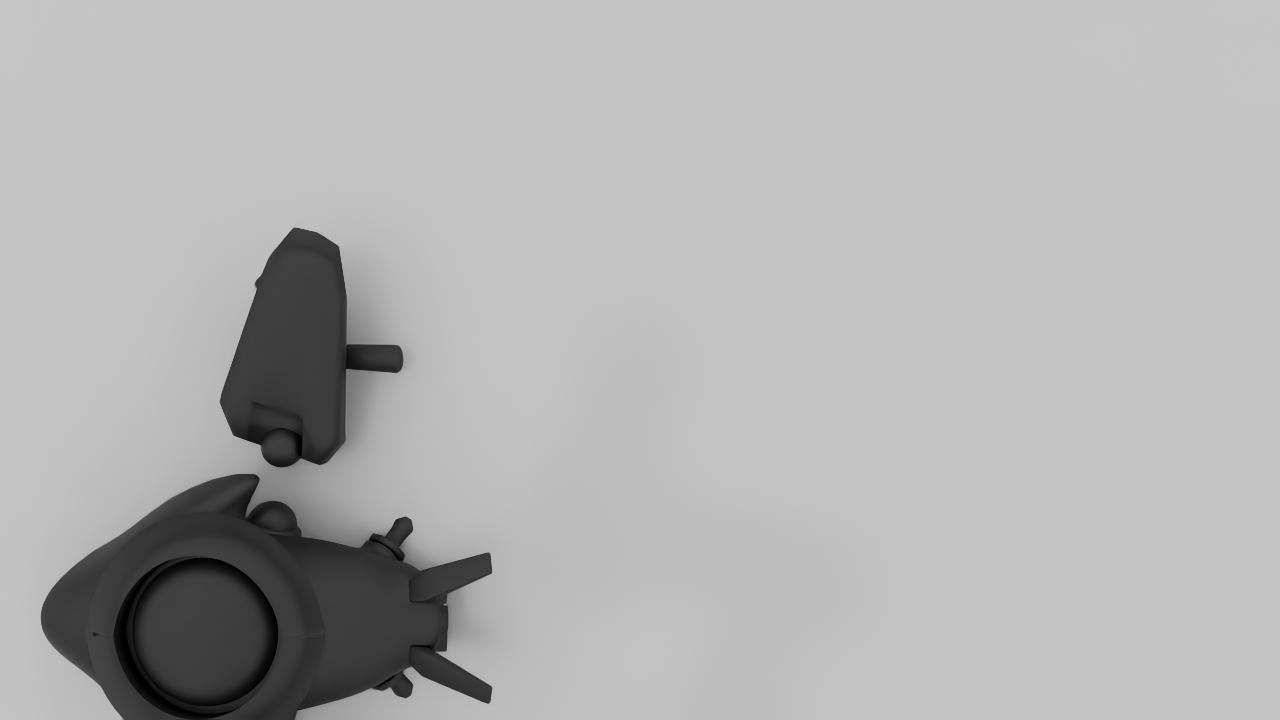
Captured Images
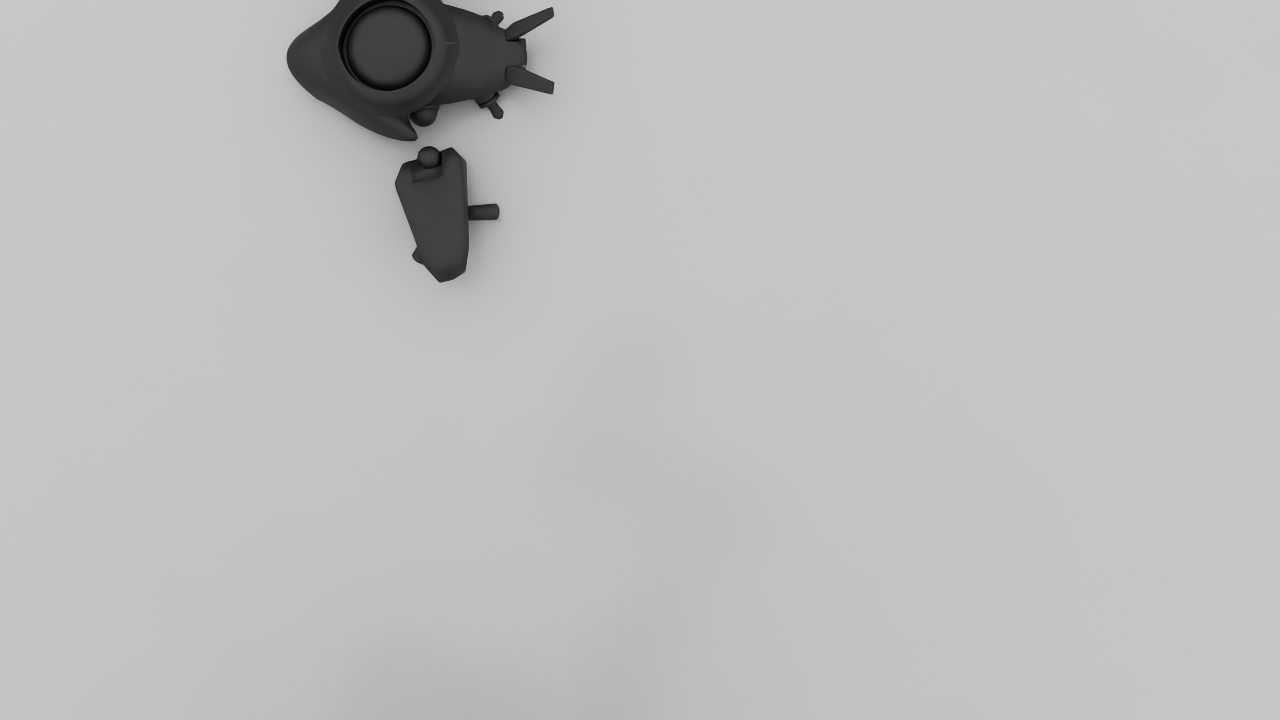
Top View
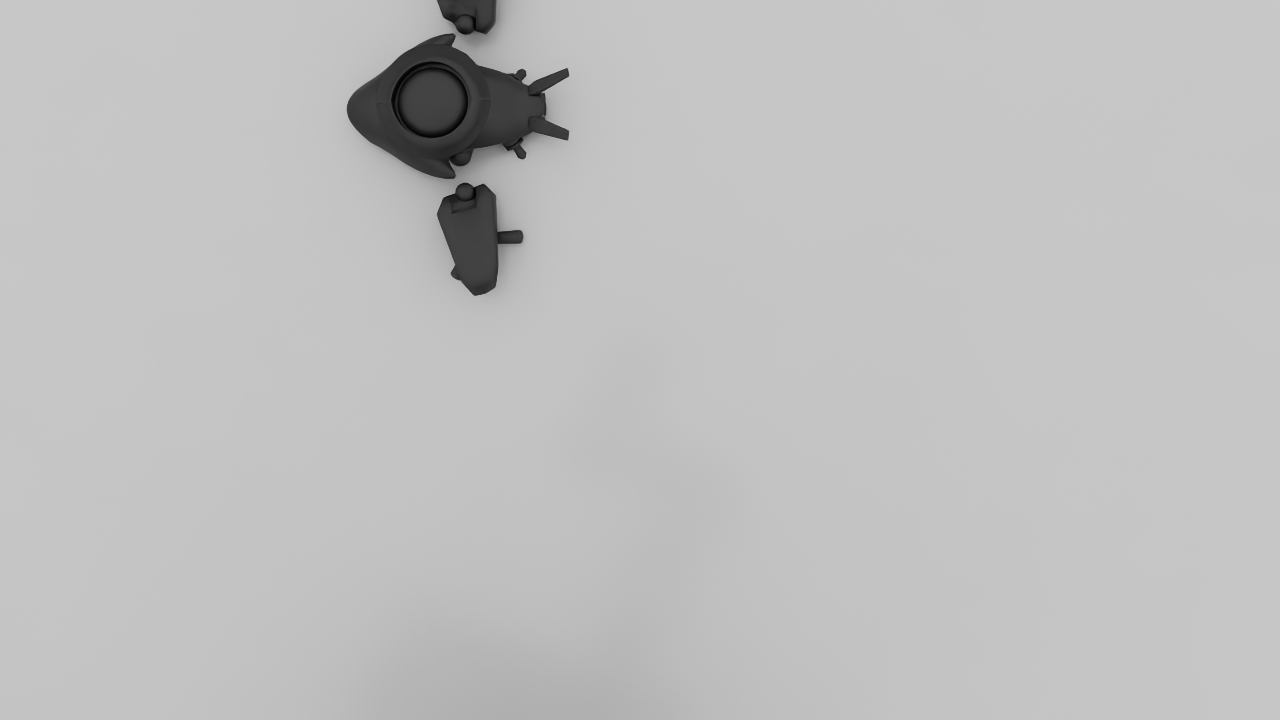
Front View
Right Side
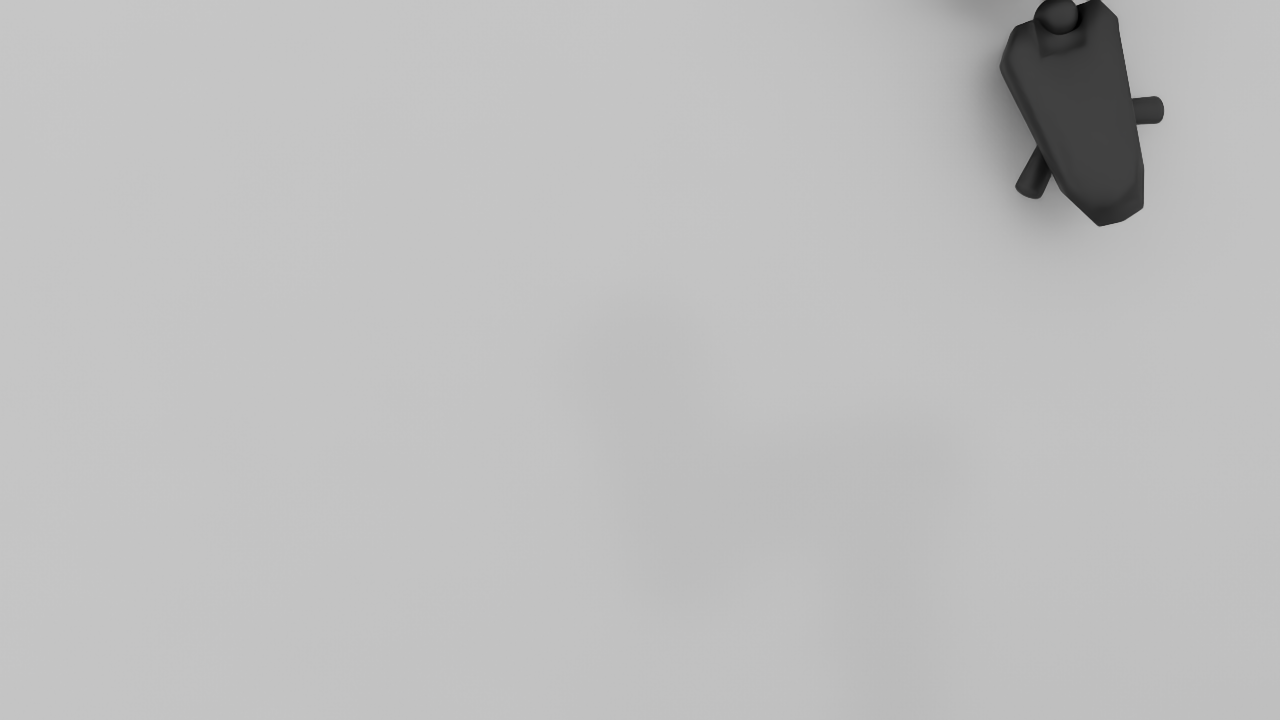
Back View
| Metric | Value |
|---|---|
| Viewpoints planned | 7 |
| Images captured | 4 |
| Image format | .ppm (RGB8) |
| Save location | /path_matters/trajectory/captures/ |
Challenges and Solutions
Challenge 1 — IK frame mismatch Initial attempts used base_link frame and all IK calls failed. Solution: systematic diagnostic confirmed world frame is correct.
Challenge 2 — Jerky robot motion Direct joint jumps caused unrealistic motion and camera blur. Solution: cubic ease in-out interpolation over 30 to 40 steps.
Challenge 3 — Camera timing Moving too fast meant camera image had not updated before capture. Solution: 0.8 second delay after reaching each position before capture.
Challenge 4 — Shared PC resources VGGT Gradio demo running in background consumed 5GB+ GPU memory. Solution: coordinate with teammates to free GPU before Isaac Sim runs.
Full Pipeline — What Comes Next
- Step 1: Trajectory and Image Capture — THIS POST
- Step 2: 2D to 3D Reconstruction with VGGT or Fast3R
- Step 3: Preprocessing to remove background
- Step 4: BUFFER-X Initial Alignment
- Step 5: ICP Refinement
- Step 6: Fitness and RMSE as RL Reward Signal
- Step 7: PPO Training to optimize trajectory